uttam@triplew.in
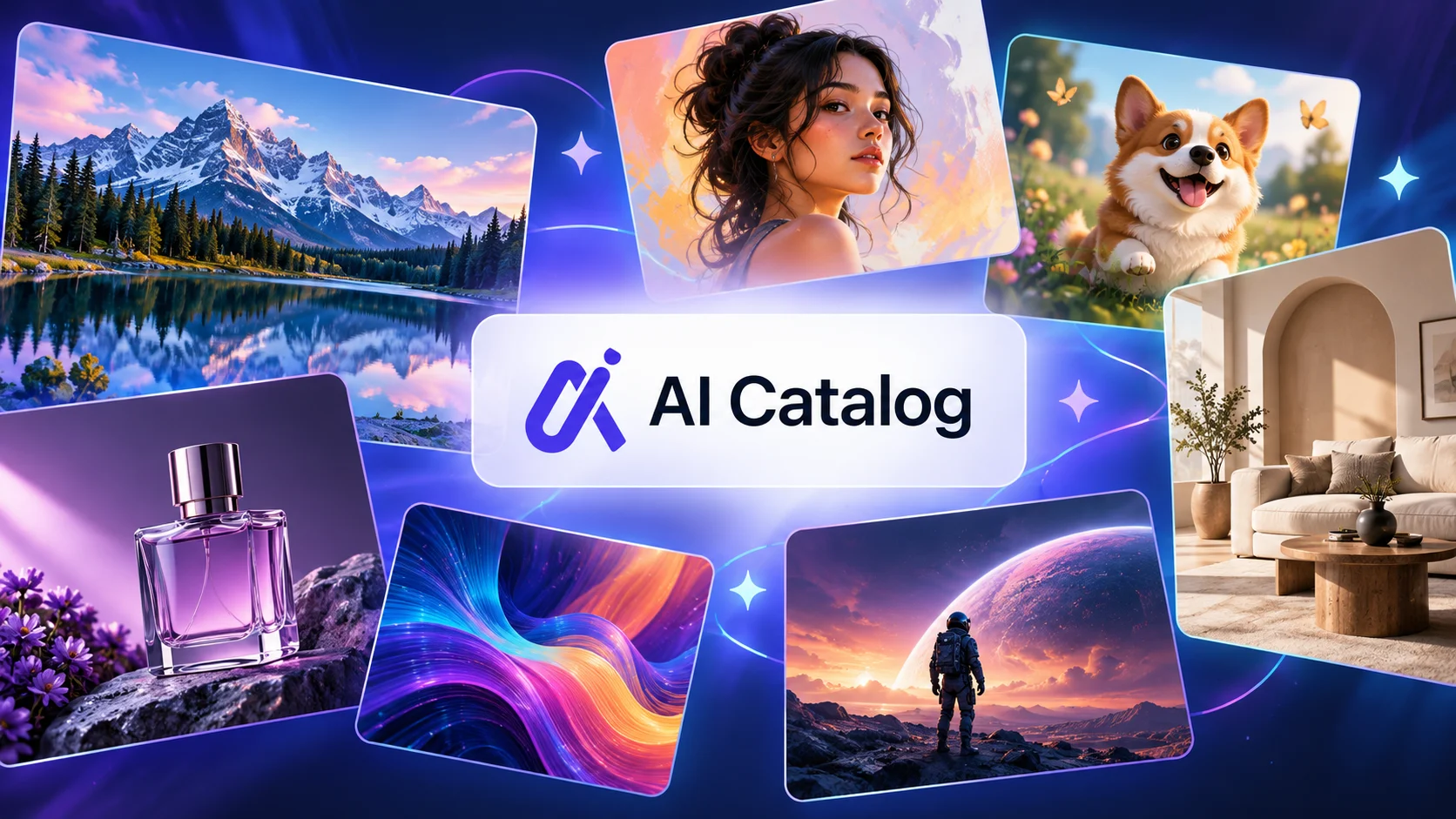
Creating high-quality images no longer requires advanced graphic design skills or hours of manual work. AI image generation has made it easier for individuals and businesses to turn simple ideas into digital visuals. Whether you need social media graphics, product images, blog illustrations, or creative artwork, AI-powered tools can help you produce visual content with less effort.
With so many options available, finding the right tool can be challenging. AI Catalog helps simplify this process by bringing AI tools together in one place, allowing users to explore image-generation solutions and discover options that match their requirements.
What Is AI Image Generation?
AI image generation is the process of creating images using artificial intelligence. These tools use trained AI models to interpret instructions and generate visuals based on the information provided.
Most AI image generators support text-to-image creation. You simply describe what you want to see, and the tool generates an image based on your prompt. For example, you could request a realistic mountain landscape at sunrise, a minimalist product mockup, or a colourful illustration for a children’s story.
Depending on the platform, you may also be able to edit existing images, remove backgrounds, improve image quality, or transform photographs into different artistic styles.
These capabilities make AI image generation useful for beginners, designers, marketers, content creators, and business owners.
How Do AI Image Generators Work?
AI image generators use machine learning models trained on large collections of data to understand visual patterns, objects, colours, styles, and relationships between different elements.
When you enter a prompt, the system interprets your description and generates an image that attempts to match your instructions.
The quality of the result often depends on the clarity of your prompt and the capabilities of the selected tool. A detailed description of the subject, background, lighting, composition, and artistic style can help produce more relevant results.
Many platforms also provide editing controls, allowing users to adjust the initial output instead of starting again.
Although these tools can produce impressive visuals, results may contain errors, especially in text, hands, intricate details, or complex compositions. Reviewing and refining the final image remains important.
Key Benefits of AI Image Generation
1. Faster Content Creation
Traditional image creation can involve several stages, including research, sketching, designing, and editing. AI image generators can produce initial concepts within seconds or minutes, depending on the tool and task.
This helps creators explore different ideas quickly and maintain a consistent content schedule.
2. Greater Creative Flexibility
AI tools allow users to experiment with different visual styles, from realistic photography and digital paintings to illustrations and 3D-inspired artwork.
You can test several concepts before choosing the direction that best fits your project.
3. Accessible Design for Beginners
You do not always need professional design experience to create useful visuals. Many AI platforms offer simple interfaces that let users generate images through written instructions.
This makes visual content creation more accessible to students, bloggers, entrepreneurs, and small businesses.
4. Support for Marketing and Branding
Businesses can use AI-generated visuals for advertising concepts, social media posts, website graphics, and product presentations.
However, brand colours, visual consistency, and image accuracy should be checked before publishing the content.
Common Uses of AI Image Generation
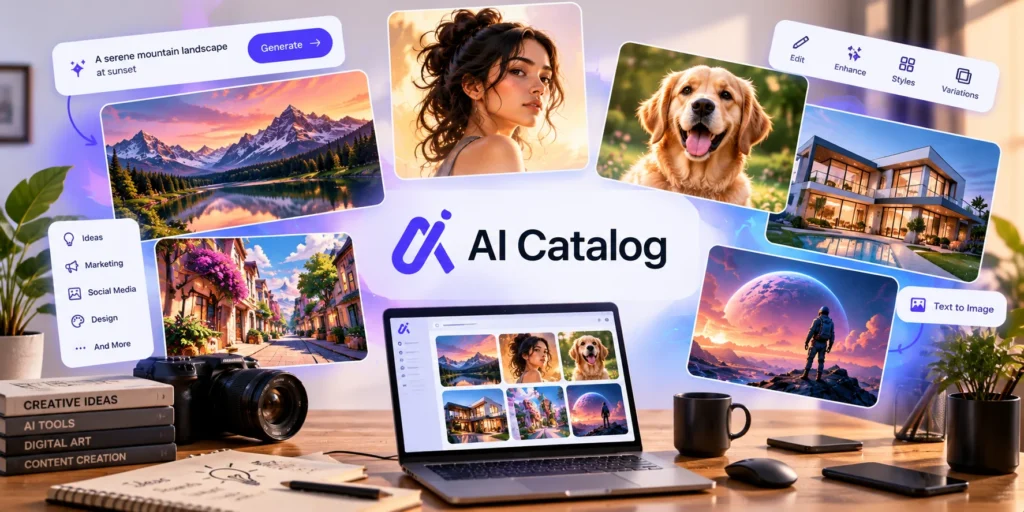
AI image-generation tools support a wide range of creative tasks.
Blogging and content marketing: Create featured images, illustrations, and supporting visuals for articles.
Social media: Develop graphics for posts, campaigns, announcements, and content calendars.
E-commerce: Generate product concepts, lifestyle scenes, and mockups. Actual product photographs may still be necessary when customers need an accurate representation of an item.
Graphic design: Explore layouts, colour combinations, creative concepts, and visual directions before finalising a design.
Education: Produce illustrations, diagrams, and visual learning materials to explain topics more clearly.
Personal projects: Create digital artwork, invitations, wallpapers, character concepts, and other customised visuals.
The best results come from choosing a tool that matches the specific task rather than relying on one platform for every requirement.
Explore AI Image Generation Tools on AI Catalog
Finding a suitable AI image generator can take time, particularly when different platforms offer different features, pricing plans, and editing capabilities.
AI Catalog provides a dedicated Image Generation category where users can explore tools and review their available features. The directory includes options such as Picsart AI, Neural AI, AltText AI, and Nano Banana.
Each tool serves different needs.
Picsart AI offers creative tools for generating and editing images, photos, and designs. Neural AI provides image-generation, enhancement, and restoration capabilities. AltText AI focuses on generating descriptive image alt text, which can support website accessibility and image optimisation. Nano Banana offers AI-powered image creation and editing capabilities.
These tools are worth exploring when comparing different approaches to visual content creation. Their features, availability, and pricing can vary, so check the relevant product details before making a decision.
You can browse the available options directly through the AI Catalog Image Generation directory.
How to Choose the Right AI Image Generator
Before selecting a tool, consider the following factors.
Your primary purpose: Identify whether you need illustrations, realistic images, product mockups, photo editing, or image enhancement.
Ease of use: Choose a platform with an interface and workflow that suit your experience level.
Image quality: Test the tool with prompts similar to your actual requirements. Check whether its output meets your expectations for detail, composition, and resolution.
Pricing: Review free-plan limits, subscription costs, credit requirements, and any additional charges.
Editing features: Consider whether you need background removal, image upscaling, image-to-image generation, or other editing options.
Usage rights: Read the platform’s licensing terms before using generated images for commercial projects. Copyright rules and commercial-use permissions may vary.
Comparing these factors can help you avoid paying for features you rarely use.
Tips for Getting Better Results
Start with a clear description of your desired image. Include the main subject, setting, lighting, composition, and preferred style.
For example, instead of writing “a coffee shop,” try “a small Indian coffee shop with wooden furniture, warm morning sunlight, indoor plants, and a natural documentary photography style.”
Review the first result and adjust your prompt if necessary. You can change the background, colours, camera angle, or level of detail to get closer to your intended result.
It is also helpful to inspect images carefully before publishing them. Check for visual inconsistencies, inaccurate details, unwanted objects, and text errors.
Final Thoughts
AI image generation has created new ways to approach digital design and visual content creation. From blog illustrations and social media graphics to product concepts and personal artwork, these tools can help turn ideas into images with less manual effort.
Choosing the right platform depends on your goals, budget, and preferred workflow. Exploring different options and comparing their features can help you make a more informed decision.
AI Catalog provides a convenient starting point for discovering image-generation tools in one place. Explore the Image Generation category to compare available options and find tools that fit your creative projects.