uttam@triplew.in
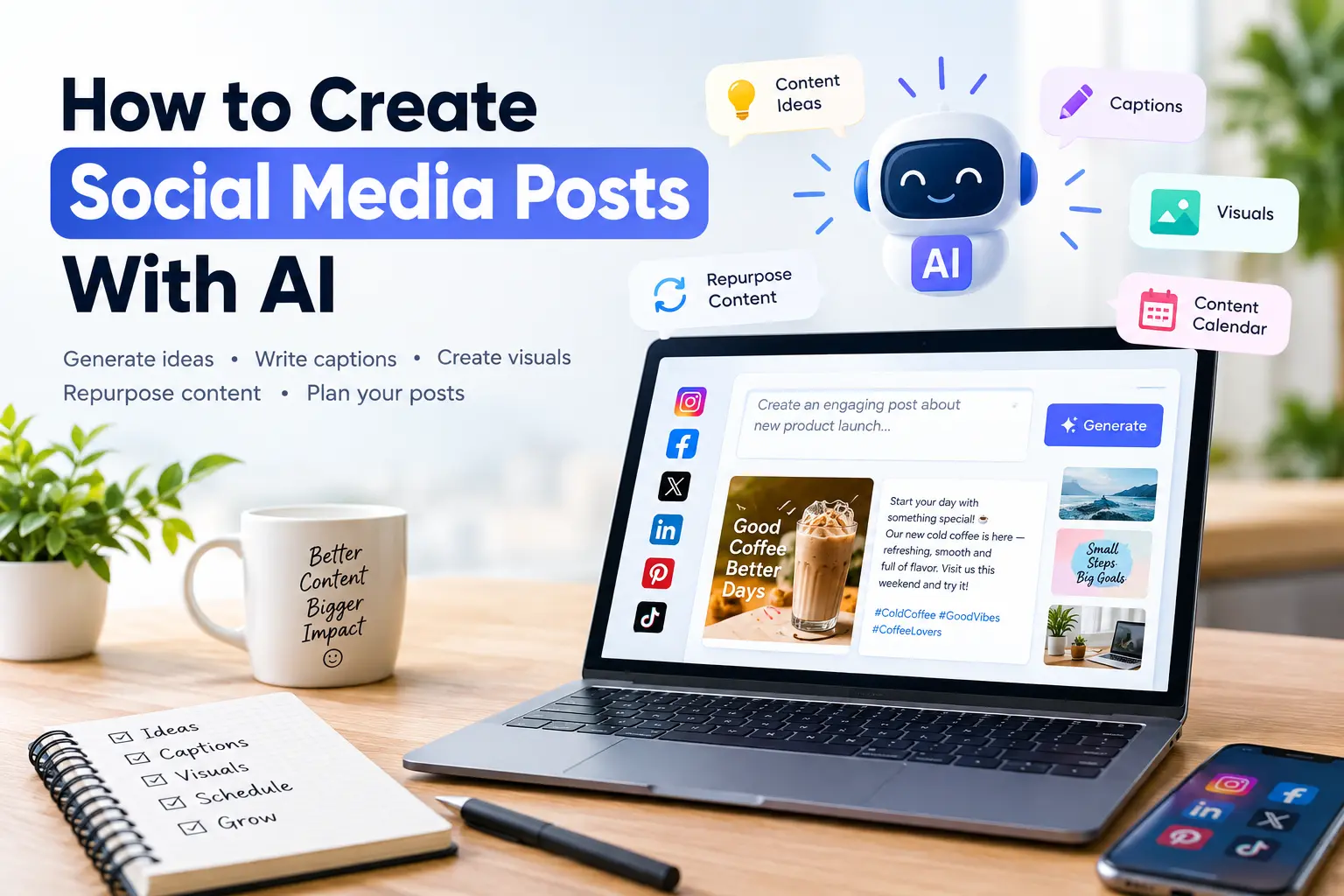
Creating social media content consistently can be challenging. Whether you manage a business page, personal brand, or multiple social media accounts, coming up with fresh ideas, writing captions, and creating engaging posts takes time. Fortunately, artificial intelligence (AI) can make the process faster and easier.
AI tools can help you generate content ideas, write captions, create images, repurpose existing content, and even build a complete social media content calendar. In this guide, you’ll learn how to create better social media posts with AI.
1. Start With a Clear Content Goal
Before using an AI tool, decide what you want your post to achieve. Your goal could be to increase engagement, promote a product, educate your audience, generate website traffic, or build brand awareness.
For example, instead of simply asking an AI tool to “write an Instagram post,” give it specific information:
“Write an Instagram caption for a small coffee shop promoting its new cold coffee. Use a friendly tone and encourage customers to visit this weekend.”
The more context you provide, the more relevant the result will be.
2. Generate Social Media Ideas With AI
Coming up with new content ideas is one of the biggest challenges for social media creators. AI can quickly generate dozens of ideas based on your industry and target audience.
For example, a fitness coach could ask AI for:
- Workout tips
- Healthy recipe ideas
- Motivational posts
- Common fitness mistakes
- Beginner exercise guides
- Frequently asked questions
You can also ask AI to organize these ideas into different content categories, helping you create a balanced social media strategy.
3. Write Better Captions With AI
Once you have an idea, AI can help you turn it into an engaging caption.
You can ask AI to create different versions of the same caption, such as professional, conversational, funny, or promotional. This allows you to choose a style that matches your brand.
For example:
Prompt:
“Write three Instagram captions about the benefits of drinking more water. Keep them short, engaging, and suitable for a health and wellness brand.”
You can then edit the generated captions to add your own experience, opinions, or brand personality.
4. Create Images and Visual Content
Social media is highly visual, and AI can also help with graphics and images. AI-powered design and image-generation tools can create visual concepts from simple text descriptions.
For example, you could request an image showing a modern workspace with a laptop, coffee cup, and productivity theme.
AI design tools can also help create social media banners, promotional graphics, thumbnails, and other visual content.
However, always review AI-generated images before publishing them. Check for inaccurate text, unusual details, or visuals that don’t fit your brand.

5. Repurpose Existing Content
You don’t always need to create something completely new.
AI can transform an existing blog post, video, podcast, or newsletter into multiple social media posts. A single 1,000-word blog post could become several short posts, a carousel, a LinkedIn update, and ideas for short-form videos.
This approach helps you get more value from content you’ve already created while maintaining a consistent posting schedule.
6. Create a Social Media Content Calendar
AI can also help organize your ideas into a content calendar.
For example, you can ask it to create a 30-day calendar containing a mixture of educational, promotional, entertaining, and engagement-focused posts.
You can specify your platforms, audience, posting frequency, and business goals. The AI can then suggest topics and formats for each day.
7. Always Add a Human Touch
AI can save time, but it shouldn’t completely replace your creativity.
AI-generated content may sometimes sound repetitive, generic, or unnatural. Always review the content before publishing it. Add your personal voice, real examples, original opinions, and relevant information.
The best approach is to use AI as a creative assistant, not as a complete replacement for human judgment.
Conclusion
AI can make social media content creation significantly faster and more efficient. From generating ideas and writing captions to creating visuals and planning content calendars, AI can support almost every stage of the process.
The key is to provide clear instructions, review the results, and add your own personality. When used correctly, AI can help you maintain a consistent social media presence while spending less time staring at a blank screen.